
Search Engine Optimization (SEO),Social Media, Article Submission

Google to stop supporting public URL submissions to its search index

Google's public form to submit new URLs to Google is going away



Google announced Wednesday morning that it is killing off the public method of submitting URLs to its search index. The “addurl” page, which is still listed in this help document, now redirects to the Google Search Console login page.
Google Webmasters said,”We’ve had to drop the public submission feature.” The company did not say why it was necessary to drop it. Maybe it has to do with spam issues or abuse. Google added, “… but we continue to welcome your submissions using the usual tool in Search Console and through sitemaps directly.”
The last time Google updated the submit content tool was back in 2012, when it moved it to the classic Google Webmaster Tools URL.
Google says webmasters should submit content only through Search Console’s Fetch as Google tool or via sitemaps.


Want to let us know about new or updated pages 🚀🚀🚀 quickly? Use Search Console's Fetch & Submit for individual pages, or just have your CMS tell us directly with a sitemap file or feed. Find out more: https://support.google.com/webmasters/answer/6065812 
We've had to drop the public submission feature, but we continue to welcome your submissions using the usual tool in Search Console and through sitemaps directly.

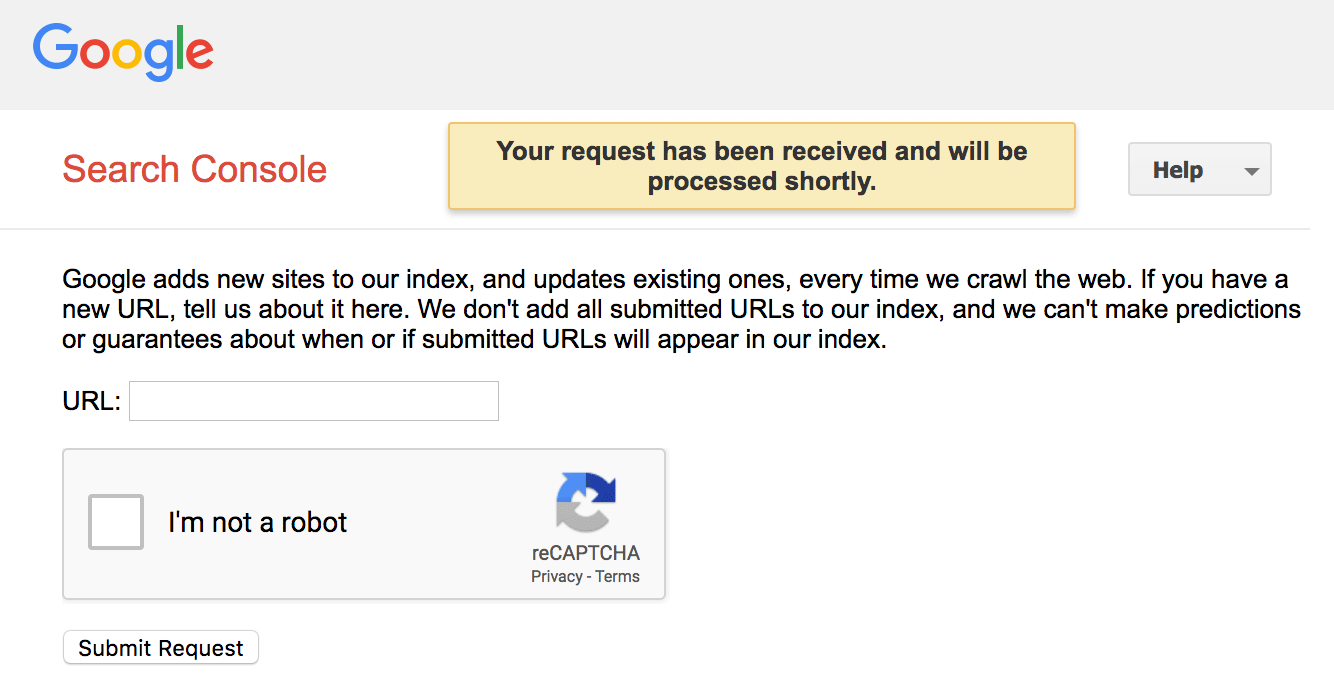
Here is a screen shot of the tool working when you are logged in:
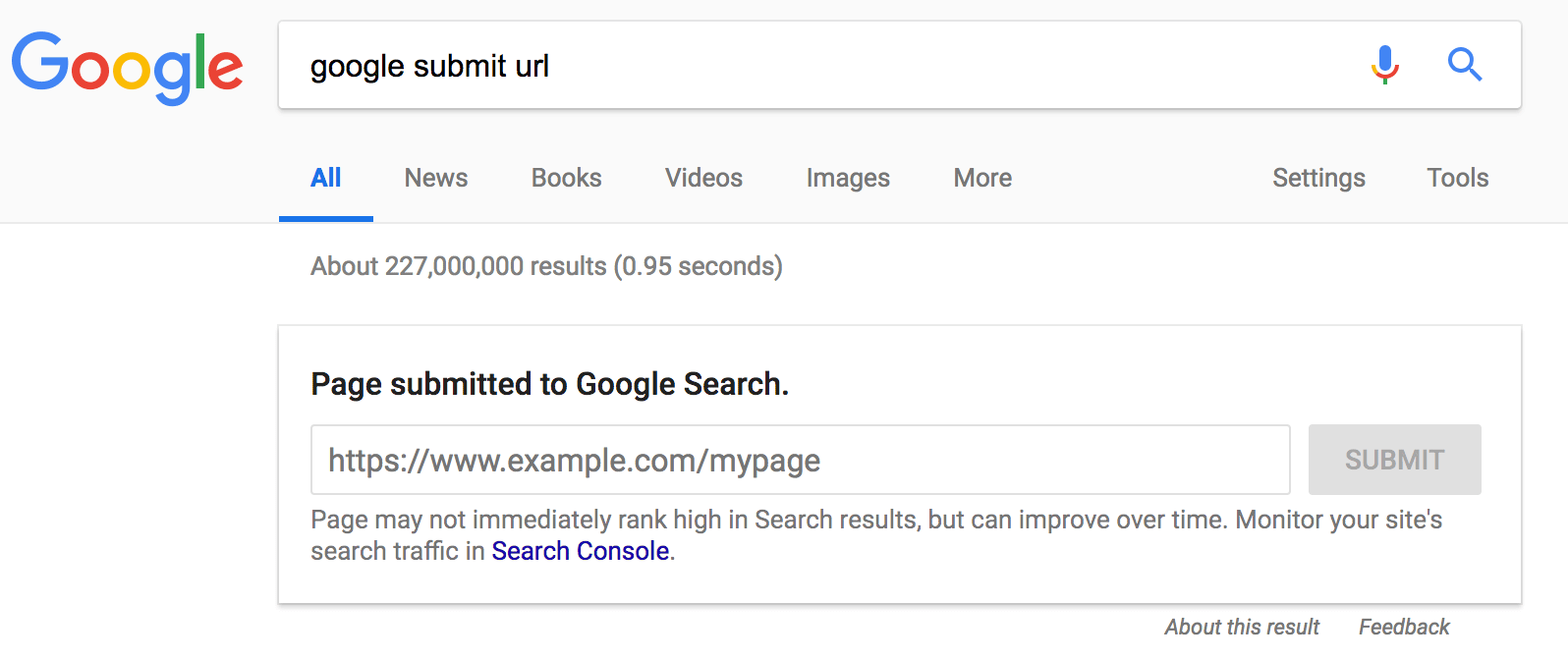
Here it is when you try the web search method if you are logged in:
Postscript: A few hours after publishing this story, the public submit URL form has been taken down. Here is what it looks like now:


Comments

Popular posts from this blog

Google My Business API v4.2 released Today

Google announced the release of version 4.2 of the Google My Business API , a way for developers to quickly make modifications to Google My Business listings programmatically. The API can be accessed here but is not open to all. You need to request and be granted access to this API in order to use it. The new features include: Verification Third-party platforms integrated with Google My Business can now offer their merchants the ability to verify their Google My Business listing directly on their native platform. This includes pulling the list of verification options available for a listing, triggering Google My Business verification such as sending a postcard, getting a phone call, and submitting a PIN code for verification. Third party platforms will now be able to fully onboard and verify merchants directly on their platform instead of interrupting their workflow and forcing merchants to Google My Business. Google Locations API users are now able to better identify if a listing alre...

SEO Tools: The Complete List (2018 Update)

SEO Tools: The Complete List (2018 Update) on  July 18, 2018 If you want to see the best SEO tools in one place, then you’ll LOVE this (updated) guide. I personally tested and reviewed  188  free and paid tools. And you can filter through the list to find the best SEO software for you. Check it out: I want SEO tools that help with: Link Building     Technical SEO     Keyword Research     Rank Tracking     Content Optimization     Backlink Analysis     Video SEO I want tools that are: Free     Paid     Freemium     New    Show only Brian's favorite tools: Yes     No    LINK BUILDING TOOLS AuthoritySpy Link Building Paid AuthoritySpy is designed to help you find the top influencers in your space. It discovers these movers and shakers by searching in places like AllTop, Twitter and Followerwonk. Officia...

Google Image Search updates guidelines, adding structured data, speed and more

Google updated the Google Image Publishing Guidelines document today, adding more details around structured data, page speed, title management and user experience details. The old documentation can be viewed in this screen shot I captured previously. The new guidelines have updated content around creating a better user experience with your images, including adding good context, optimizing placement, embedding tips, device-friendly sites and good URL structure for your images . In addition, Google has explained how the image titles work since the change. Google also added sections for adding structured data for product, video and recipe markup. There is a new section for speed, including information about their PageSpeeds Insights tool, AMP and responsive image techniques. You can check out the new guidelines over here and compare them to the old guidelines over here .